
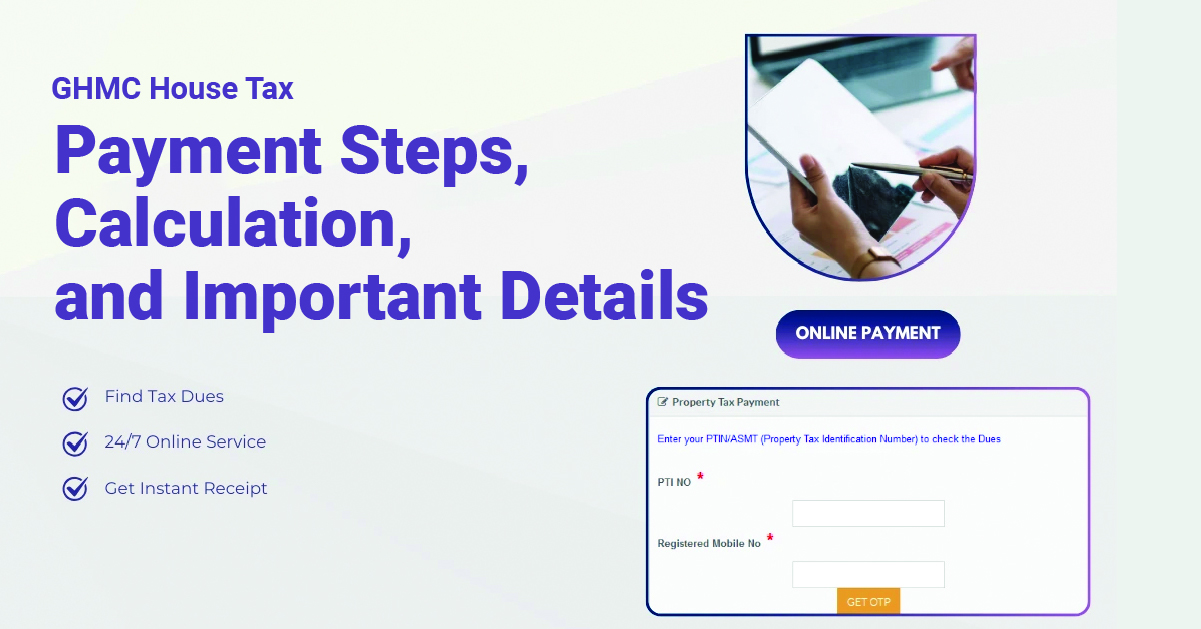
Owning a home in Hyderabad comes with the responsibility of keeping property tax records updated. GHMC property tax in Hyderabad applies to residential and commercial properties within municipal limits.
It is linked to property size, usage, rental value, and applicable tax rates. For homeowners, understanding the process helps avoid confusion while checking dues or making payments.
Digital access has made it easier to view GHMC House tax details, verify arrears, and download receipts. If you are wondering how to pay ghmc property tax online, the process is simple when the right details are available. Let’s look at the steps, calculation, and key points.
Table of Contents
- What is GHMC House Tax?
- GHMC Property Tax Rates and Calculation
- How to Check and Pay GHMC Property Tax Online
- Important GHMC House Tax Details to Review
- Why Timely GHMC Property Tax Payment Matters
- Manage GHMC House Tax With Better Clarity
- What is a PTIN & How to Find Your GHMC PTIN?
- FAQs
What is GHMC House Tax?
The Greater Hyderabad Municipal Corporation collects GHMC house tax from eligible property owners. It applies to homes, flats, independent houses, villas, and commercial buildings. The tax helps support civic services such as roads, sanitation, drainage, lighting, and local infrastructure.
For owners, timely payment also keeps property documentation organised. Owners of self-occupied and rented properties need to pay tax as per applicable GHMC rules. The amount can vary based on property type, location, size, usage, and occupancy.
Before checking GHMC property tax online, keep the Property Tax Identification Number, or PTIN, ready. Owner name, door number, registered mobile number, and past receipts may also help.
GHMC Property Tax Rates and Calculation
GHMC property tax calculation is mainly linked to the Monthly Rental Value, or MRV, of the property. The MRV helps decide the tax slab for residential properties.
| Monthly Rental Value of Property | Tax Rate |
|---|---|
| Up to ₹50 | Nil |
| ₹51 to ₹100 | 17% |
| ₹101 to ₹200 | 19% |
| ₹201 to ₹300 | 22% |
| More than ₹300 | 30% |
The broad calculation also considers plinth area, rental value, depreciation, and library cess. Owners should treat the final amount shown on the official portal as payable. Plinth area usually refers to the built-up area considered for tax calculation. It may include covered spaces such as rooms, balconies, and garages.
Gross Annual Rental Value (GARV) is commonly understood through this formula:
GARV = Plinth Area × Monthly Rental Value per sq ft × 12
For residential properties, the tax is generally calculated using GARV and the applicable slab rate. Depreciation and library cess may also apply as per GHMC norms.
How to Check and Pay GHMC Property Tax Online
The GHMC property tax pay online option helps homeowners check dues and complete payment through the official portal. The process is easier when PTIN or registered details are available.
Step 1: Visit the Official GHMC Website
Go to the official Greater Hyderabad Municipal Corporation website. Select the property tax option under the online payment section.
Step 2: Enter the Required Details
Enter details such as PTIN, registered mobile number, door number, owner name, or circle. Select the correct property record from the results.
Step 3: Check Dues and Arrears
Review the owner’s name, address, current dues, arrears, and total payable amount. This helps ensure you are paying for the right property.
Step 4: Complete the Online Payment
Choose the available payment option and complete the transaction through the official portal. Avoid unverified links while making a payment.
Step 5: Download the Receipt
After successful payment, download or print the receipt. Keep receipts organised year-wise for future reference.
Important GHMC House Tax Details to Review
For homebuyers comparing a 4 bhk apartment for sale in Hyderabad, recent GHMC property tax receipts can support clearer document checks.
- Verify the owner’s name matches property ownership records.
- Check the door number and property address for accuracy.
- Confirm the PTIN is linked to the correct property.
- Review current tax dues and any outstanding arrears.
- Ensure the property usage category is correctly listed as residential or commercial.
- Check whether the property is marked as self-occupied or rented.
- Verify that any extensions, renovations, or structural changes are reflected in the records.
- Compare the displayed information with previous tax receipts and ownership documents.
Reviewing these details helps maintain accurate records and can support smoother property transactions, ownership transfers, and documentation processes. New buyers should also examine property tax receipts during due diligence before purchasing a property.
Why Timely GHMC Property Tax Payment Matters
Timely payment keeps property records organised and easier to access. It can also support resale, transfer, rental documentation, and home loan checks. Updated receipts help buyers, sellers, and families verify property-related payments clearly.
They also reduce confusion during future ownership discussions. With GHMC property tax online services, homeowners can check dues, pay tax, and save receipts conveniently. The key is to verify details before payment and keep records safely.
Manage GHMC House Tax With Better Clarity
Understanding GHMC house tax helps homeowners manage property responsibilities with confidence. From checking GHMC House tax details to completing GHMC property tax pay online, the process becomes easier with accurate records.
Owners should review PTIN, address, usage, dues, and receipts before payment. The calculation may depend on the plinth area, Monthly Rental Value, occupancy, and applicable municipal rules. Timely payment also supports smoother resale, transfer, loan, and documentation needs.
With digital access, GHMC property tax online services make the process more convenient for Hyderabad residents. Stay organised, verify every detail carefully, and keep receipts safely for future use.
What is a PTIN & How to Find Your GHMC PTIN?
PTIN stands for Property Tax Identification Number. It is a unique 10-digit number assigned to a property for tax records. You can find your PTIN by searching the GHMC property tax portal using details such as your owner’s name, door number, or registered mobile number.
FAQs
What are the due dates for GHMC property tax payments in Hyderabad?
GHMC property tax is generally paid in two instalments. The first instalment is due by 30 April and the second by 15 October. Check your property record for the applicable amount and payment details.
How is GHMC property tax calculated for residential properties?
GHMC property tax is calculated based on factors such as the property’s plinth area, Monthly Rental Value (MRV), usage, and occupancy. Applicable depreciation and library cess may also be considered.
What is the difference between GHMC and HMDA for property tax?
GHMC manages municipal services and collects property tax within its jurisdiction. Hyderabad Metropolitan Development Authority (HMDA) focuses on metropolitan planning and development across the Hyderabad metropolitan region.
Why is GHMC house tax important?
House tax contributes towards civic services such as roads, drainage, sanitation, and street lighting. Paying it on time also helps keep property tax records updated.
What are the documents required to submit GHMC property tax online?
For online payment, you generally need your PTIN or registered mobile number to access the property record. For a new assessment, documents may include the sale deed, link documents, sanctioned building plan, and occupancy certificate.
What are the factors affecting GHMC property tax?
Key factors include:
-
- Plinth area
- Monthly Rental Value
- Property usage
- Occupancy status
- Applicable depreciation
- Library cess
The GHMC property tax online facility allows property owners to check dues and make their GHMC property tax payment conveniently.