Property documentation can involve several records, local authorities, and identification numbers. When these details sit across different registers, even a straightforward property-related request can become difficult to follow.
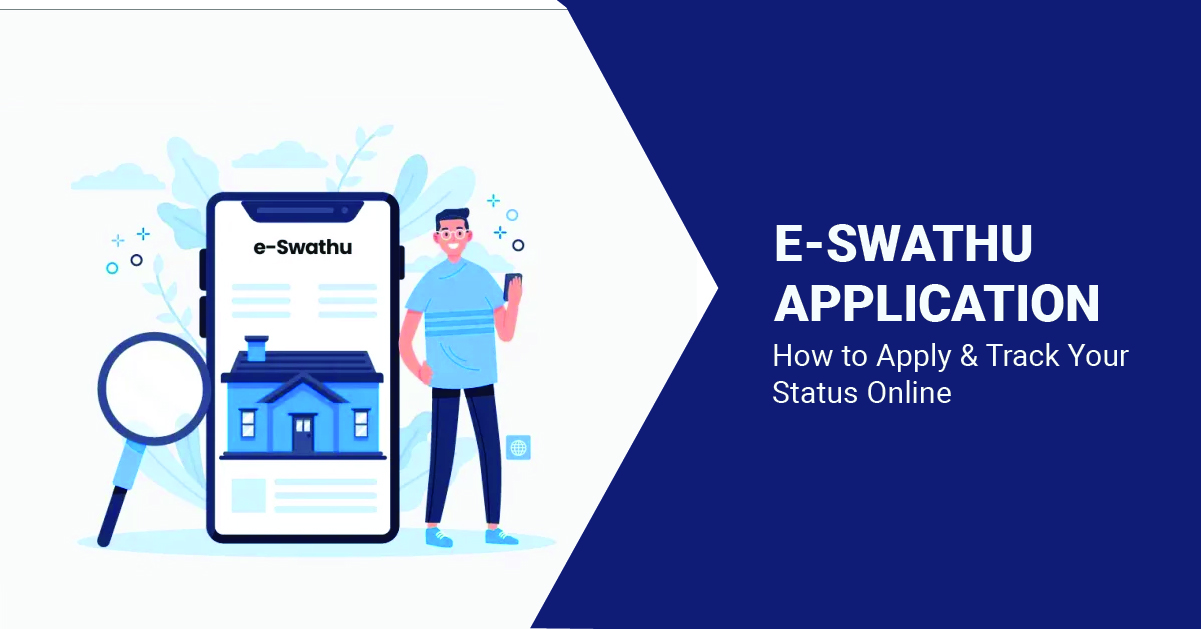
For properties under Gram Panchayats in Karnataka, E-swathu provides a digital system for accessing and managing relevant property records. Property owners can use the portal for online services, while existing records can also be searched and verified digitally.
If you plan to apply for E-swathu online, understanding the right portal section, property details, documents, and status-checking process beforehand can make the application easier to manage. Let’s explore everything you need to know before filing your E-swathu application.
Table of Contents
- What Is E-swathu?
- Who Can Use the E-swathu Portal?
- What Should You Keep Ready Before Applying?
- How to Apply for E-Swathu Online?
- How to Track E-swathu Property Status Online?
- Common E-swathu Application Mistakes to Avoid
- Keep Your E-swathu Application Clear From the Start
What Is E-swathu?
If you are wondering what is E-swathu, it is an online property-record system operated by Karnataka’s Rural Development and Panchayat Raj Department (RDPR) for properties falling within Gram Panchayat jurisdictions.
The platform helps digitise property information and provides citizens with ways to apply for relevant E-swathu records, search existing property records, verify documents, and check property status.
You may come across Form 9, Form 11A, and Form 11B while using or researching the system. The form relevant to a property can depend on its classification and record status. The official E-swathu system currently maintains records relating to these different forms.
Who Can Use the E-swathu Portal?
E-swathu primarily relates to properties that fall within Gram Panchayat areas of Karnataka. It should therefore not be treated as a general property-record portal for every city or state.
Before beginning an E-swathu application, first confirm the local authority under which the property falls. This prevents you from spending time looking for records on a system that does not apply to that jurisdiction.
Property-document systems differ across states and local authorities. For example, someone researching a home through real estate companies in Chennai would need to check the property records and local authority requirements applicable in Tamil Nadu rather than relying on Karnataka’s E-swathu system.
What Should You Keep Ready Before Applying?
A little preparation can make the online process considerably easier. Start by collecting the details that accurately identify both the applicant and the property.
Depending on the property category and application being made, useful records may include:
- Registered ownership or property documents
- Property ID or existing Panchayat property details
- District, block, Gram Panchayat, and village information
- Property tax-related records
- Conversion, layout, or building approval documents, where applicable
- Applicant identification and registered mobile number
- Supporting documents relevant to a transfer or correction
How to Apply for E-Swathu Online?
If you are looking to apply for E-swathu online, the E-swathu 2.0 citizen portal provides access to relevant property services using a mobile number. To complete your E-swathu application correctly, follow these five steps:
- Visit the Official E-swathu Portal and Log In
Open Karnataka’s official E-swathu platform and select the citizen login option. Enter your mobile number and complete the required verification.
Using the official government portal helps ensure that the information submitted for your E-swathu online application is handled through the authorised system.
- Select the Relevant Property Service Choose the service that applies to your property and application type. The available form or process may differ depending on the property’s classification and existing Panchayat records.
- Enter the Property Details Carefully Fill in the requested information using your existing property documents. Names, property identification numbers, village details, survey references, and other entries should match the supporting records as closely as possible.
- Upload the Required Supporting Documents Provide the documents requested for your property category and application. Use clear, readable copies and confirm that names, registration details, property numbers, and approval references are visible before uploading each document.
- Review and Submit the E-swathu Application Check all entered information and uploaded documents before submission. Once the E-swathu application is submitted, save any acknowledgement, property ID, application reference, or other number generated by the portal.
How to Track E-swathu Property Status Online?
Submitting the form is only one part of the process. You should also know how to check the record after your application moves into verification.
The official E-swathu portal provides a Check Property Status facility. Its public status interface includes sections for property details, mutation details, correction details, and conversion-related information. To check your property status:
- Visit the official E-swathu portal.
- Open the Citizen Corner.
- Select Check Property Status.
- Enter the requested property identification details.
- Review the available status or property information.
Common E-swathu Application Mistakes to Avoid
Small inconsistencies can make a property-document process unnecessarily difficult. Before submitting your application, watch for a few common issues:
| Issue | What to Do |
| Incorrect Property ID | Cross-check it with existing Panchayat records |
| Wrong Village or Gram Panchayat | Confirm the property’s current jurisdiction |
| Name Mismatch | Use details matching the supporting property documents |
| Missing Approvals | Check which documents apply to the property’s classification |
| Unclear Uploads | Provide complete and readable digital copies |
| Lost Reference Details | Save acknowledgement and property information after submission |
Keep Your E-swathu Application Clear From the Start
E-swathu has made it easier for property owners in Karnataka’s Gram Panchayat areas to access important property services digitally. However, a smooth application still depends on selecting the correct service and entering property information accurately.
Before you apply for E-swathu online, confirm the property’s jurisdiction, organise the relevant records, and ensure names and identification numbers match across your documents. Once submitted, retain the reference details so you can check property status through the official portal. Most importantly, treat E-swathu as one part of the broader property-documentation process.